How to Manage Potluck Slots Without the Chaos
September 23, 2026 · 10 min read
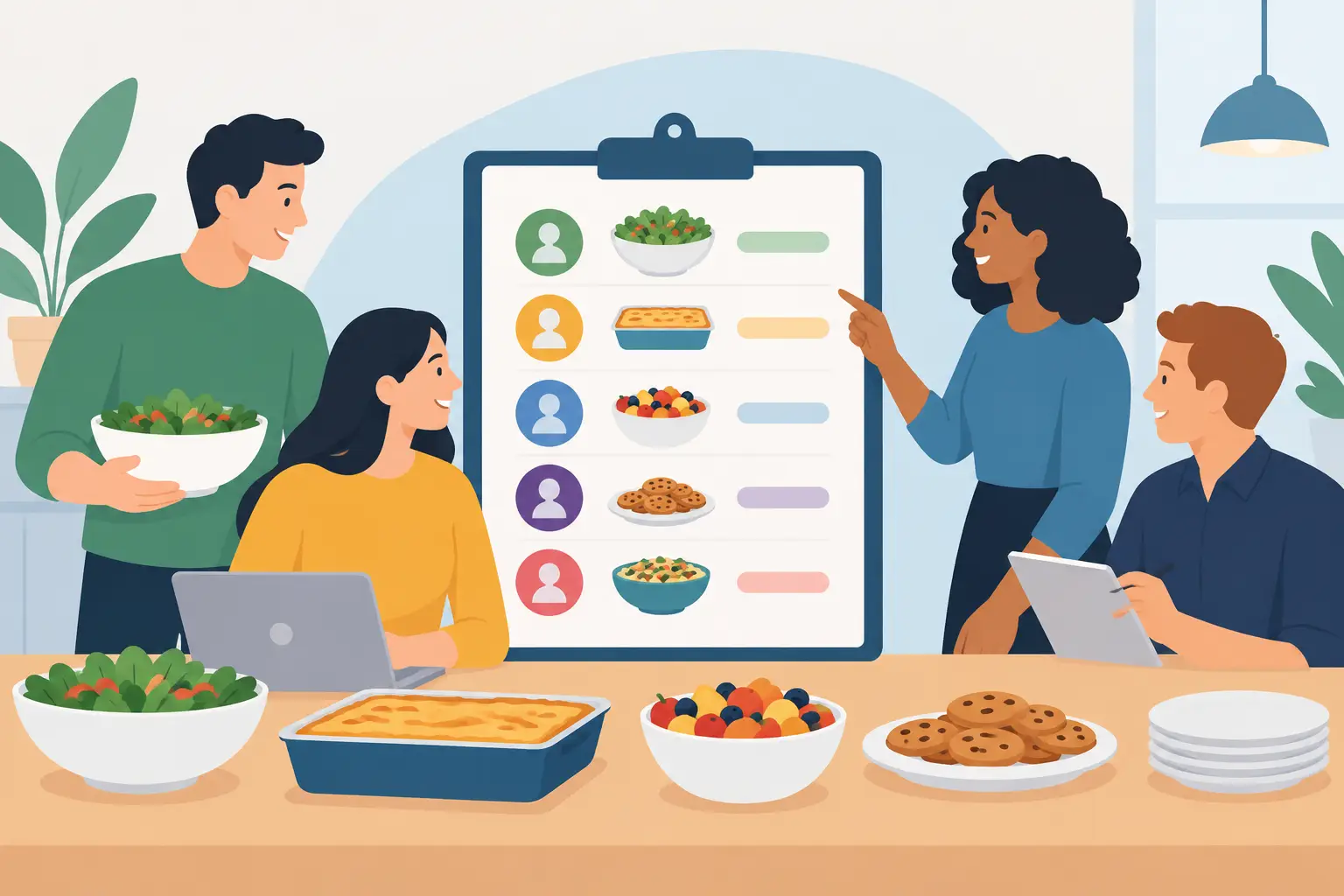
A potluck can look organized right up until three people arrive with macaroni salad, nobody brings ice, and the host is still answering food questions from the parking lot. Knowing how to manage potluck slots turns a loosely planned meal into a coordinated event where guests can contribute confidently and every essential is covered.
The goal is not to control every recipe. It is to give people clear choices, prevent duplicates where they matter, and make updates easy for everyone to see. A well-built potluck sign-up sheet does that work before the first serving spoon hits the table.
Start with the meal, not the sign-up sheet
Before you create slots, decide what the group actually needs. A classroom celebration for 25 students has different requirements than a church lunch for 150 people. Consider the guest count, serving style, dietary needs, available kitchen equipment, and whether families are bringing food or just attending.
Start with a simple meal plan: main dishes, sides, salads or fruit, desserts, drinks, and supplies. Supplies deserve their own category. Plates, cups, napkins, serving utensils, ice, tablecloths, and food labels are easy to overlook, yet they can create the biggest day-of scramble.
Estimate quantities before assigning slots. If 60 people are attending, one slow cooker of chili will not cover the main-dish category. You may need four or five main dish slots, several side dish slots, and fewer dessert slots. This step keeps your sheet based on real needs rather than a generic list of food ideas.
How to manage potluck slots with clear categories
The best slots are specific enough to guide people but flexible enough to let them bring something they feel good making. A slot labeled Food leaves guests guessing. A slot labeled Side dish serving 10 to 12 people gives them a useful assignment without dictating the recipe.
Create categories that match your event. For most potlucks, that means main dishes, sides, desserts, drinks, and event supplies. If the menu has a theme, use that to make choices clearer. A taco bar may need taco meat, beans, toppings, tortillas, chips, salsa, desserts, drinks, and serving supplies. A breakfast gathering may need egg dishes, baked goods, fruit, coffee, juice, and paper goods.
Add serving guidance directly in each slot. Ask contributors to bring enough for a certain number of people, identify whether an item should arrive hot or chilled, and explain if it needs to be nut-free, vegetarian, or gluten-free. This reduces follow-up messages and helps guests make decisions quickly.
Be careful not to make the sheet overly detailed. Fifteen nearly identical side dish slots can create more confusion than a few well-labeled options. If variety matters, name the need instead of the exact dish, such as vegetable side, pasta side, or fresh fruit. People still have room to contribute their own favorite dish.
Use limits to prevent the usual pileups
Capacity limits are what keep a sign-up sheet useful after the first few responses come in. Set one available space for a specific dish or supply item when you only need one. Set multiple spaces for broader categories, such as four main dishes or six side dishes.
For items that are especially likely to duplicate, create separate slots. You may only need one person to bring ice, two people to bring bottled water, and one person to bring disposable cups. Once those slots are filled, they should close so others choose what is still needed.
There is a trade-off here. Highly specific slots reduce duplicate items, but they can feel restrictive for guests who have a dish in mind. Use detailed slots for essentials and broad slots for optional variety. That balance makes the process easier without making the meal feel managed down to the last cookie.
Collect the details that help on event day
A name alone is not always enough. Ask each participant to list what they plan to bring in the slot response. This gives the organizer a quick view of the actual menu and makes it easier to spot gaps early.
For larger events, it can help to collect a phone number or email address for reminders, plus the number of people in that household who plan to attend. If dietary information is relevant, ask contributors to note common allergens or special attributes such as vegetarian, vegan, or gluten-free. Keep these questions practical. Collect only the details you will use.
A shared online sign-up sheet is especially helpful because participants can check availability from their phone before they shop, cook, or send a message. With MasterLyst, organizers can create a mobile-friendly potluck project, share one link, set capacity limits, and track responses in real time instead of reconciling email replies and paper lists.
Share one source of truth
Potluck coordination falls apart when the current list lives in several places. A flyer says one thing, an email thread says another, and a group text contains the newest update that half the group has not seen. Choose one sign-up sheet as the official list and use every message to direct people back to it.
Share the link as soon as the event is announced, then send it again at useful moments: one week before the event, a few days before the deadline, and after any major change. State the deadline clearly. For example, ask people to claim a slot by the Monday before a Friday lunch so there is time to fill missing items.
Make participation easy for people who are not bringing food. A guest may be happy to provide napkins, pick up ice, bring a store-bought dessert, or help set up tables. Including these options makes the potluck more accessible and distributes the work beyond the people who cook.
Use reminders to fill gaps before they become emergencies
The first sign-up rush rarely produces a balanced menu. Dessert slots may fill within hours while main dishes and supplies stay open. Check the sheet a few days after sharing it and look at the categories, not just the total number of responses.
If one area is light, send a focused reminder. Instead of writing We still need food, say that two main dishes, one gluten-free option, and a bag of ice are still needed. Specific requests are easier to act on. They also let people know their contribution will make a difference.
Automated email or text reminders can save time, particularly for school, ministry, or volunteer events with recurring gatherings. Still, reminders should be useful rather than constant. One confirmation after a person signs up and one timely reminder before the event is often enough. Include arrival instructions if food needs to be dropped off early or kept warm.
Make changes visible and handle cancellations calmly
Plans change. Someone gets sick, forgets they signed up, or realizes they cannot transport a large dish after all. Build flexibility into the process by allowing participants to update their selection or contact the organizer quickly.
Keep a small reserve of flexible slots open until close to the event. These can be labeled Organizer follow-up or Last-minute need. If a main dish slot opens, you can invite a reliable participant to fill it, adjust another assignment, or arrange a backup purchase. The point is not to eliminate every surprise. It is to see surprises early enough to respond.
For events with a large guest count, maintain a short backup list of people who are willing to help if needed. Do not assign them automatically. A simple message asking whether they could bring an additional item gives you coverage while respecting their time and budget.
Set up the serving table for an easier potluck
Managing slots continues after sign-up. Plan where dishes will go, especially if hot foods need outlets or slow cookers. Put a small label card beside each dish that names it and identifies major allergens when possible. This helps guests choose food safely and prevents organizers from answering the same questions all meal long.
Assign a few non-food slots for setup, replenishing drinks, taking leftovers home, and cleanup. These jobs are easy to miss because they are not part of the menu, but they make a meaningful difference for hosts. A potluck works best when the work is shared along with the food.
When the event ends, save the structure that worked. Note which categories filled quickly, which items were missing, and whether your quantity estimates matched attendance. Your next potluck sign-up sheet will take less time to create and will be even easier for guests to use.
A clear slot is a small promise: someone knows what to bring, the organizer knows what to expect, and the group gets to enjoy the meal instead of sorting out logistics at the last minute.
Related Articles
How to Prevent Event Overbooking in 8 Steps
Learn how to prevent event overbooking with clear capacity rules, real-time signups, waitlists, and reminders that keep every event organized easily.
How to Send Event Reminders That Get Responses
Learn how to send event reminders that reduce no-shows, confirm details, and keep volunteers, families, and guests ready to participate with confidence.
Community Event Planning: Complete Guide
From initial concept to post-event follow-up, discover proven strategies for organizing community events that people actually attend.
Ready to get started?
Create your first project in under a minute — no account required with MasterLyst, the free online sign-up sheet and RSVP platform.
Get Started Free