Do Reminders Reduce No Shows? What Works
October 12, 2026 · 7 min read
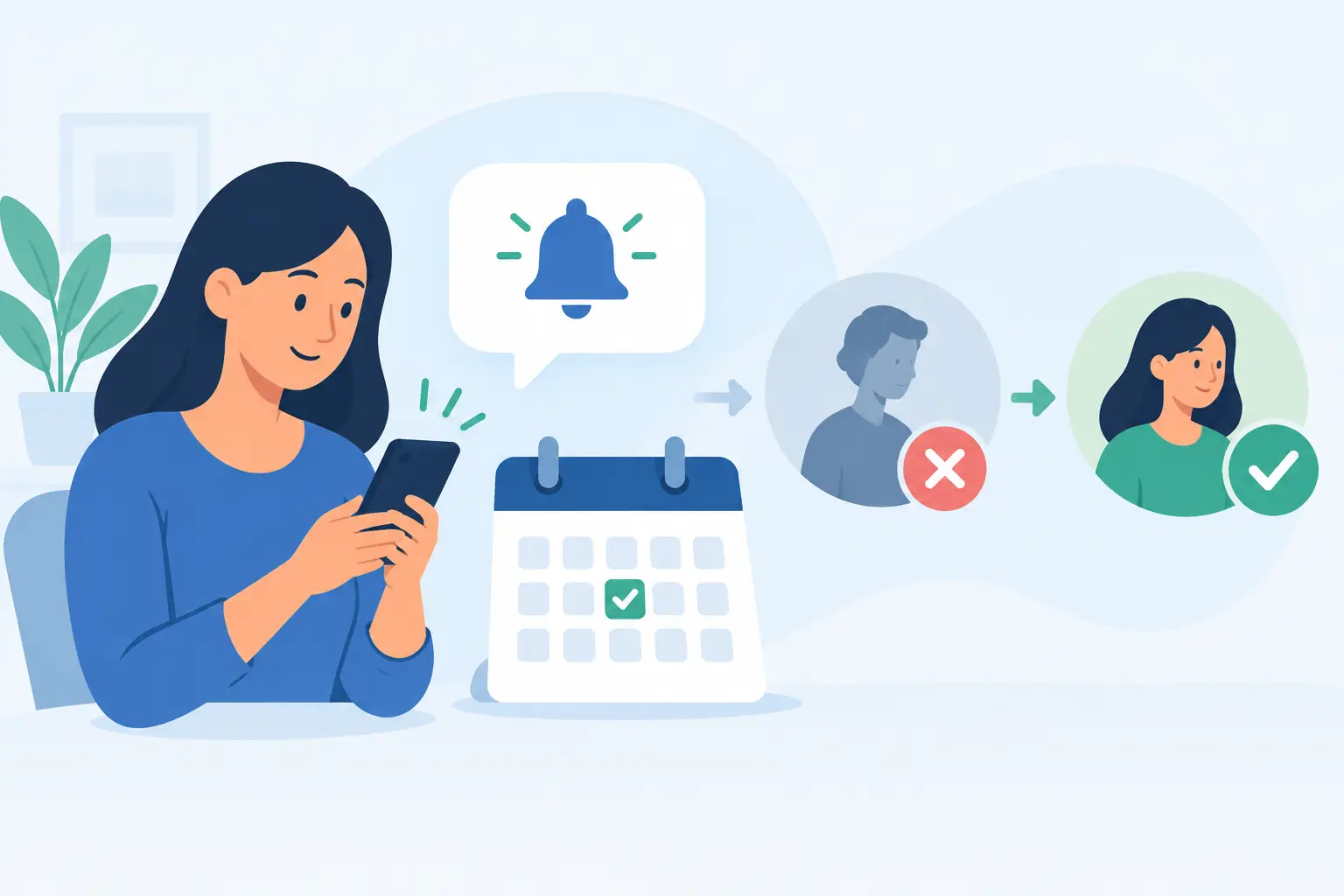
A full volunteer shift, a classroom event with empty helper slots, or a paid workshop with missing attendees can create extra work fast. So, do reminders reduce no shows? In most cases, yes - but only when the reminder makes it easy for people to remember, act, and communicate a change of plans.
A reminder is not a guarantee that every registrant will arrive. Families get sick, schedules change, and people sometimes sign up with good intentions before realizing they have a conflict. Still, a well-timed message can turn a forgotten commitment into an attended one, and an early cancellation into a spot another person can fill.
Why reminders reduce no shows
Most no-shows are not deliberate. People are balancing work, school, children, appointments, and a constant stream of messages. A sign-up made two weeks ago can disappear from their mental calendar by the time Saturday morning arrives.
Reminders bring the commitment back at the moment it matters. They also reduce uncertainty. A participant who sees the date, start time, location, parking note, and what to bring is less likely to stay home because a detail felt unclear.
For organizers, the real value is not just higher attendance. It is better visibility. When a reminder prompts someone to reply that they cannot attend, you can invite a waitlisted guest, ask another volunteer to cover, or adjust supplies before the event begins.
When do reminders reduce no shows most?
Reminders work best when attendance depends on a specific time, a limited number of spaces, or preparation from the organizer. Volunteer shifts, parent-teacher conference slots, church service roles, classroom helper schedules, paid events, and appointments all fit this pattern.
They are especially useful when someone signs up well in advance. The longer the gap between registration and the event, the more likely a person is to forget, misread the date, or make another plan. A short confirmation immediately after sign-up establishes the commitment. Follow-up reminders keep it visible.
A reminder also matters more when missing the event affects other people. If one absent volunteer leaves a concession stand short-staffed or one missing potluck contributor changes the meal plan, participants should understand that their response helps the group prepare.
That does not mean every project needs multiple messages. For a casual online survey with a flexible deadline, frequent reminders may feel excessive. Match the reminder schedule to the consequence of a missed response.
Use the right timing, not more messages
The strongest reminder strategy is usually a small sequence rather than one last-minute message. Send a confirmation as soon as someone registers, then send a reminder far enough ahead for them to plan and another close enough to prompt action.
For many events, this means a confirmation right away, a reminder about one week before, and a final message 24 to 48 hours before. A volunteer shift scheduled months ahead may need an additional reminder two or three weeks in advance. A school fundraiser pickup window may only need a same-day message.
Timing should reflect what attendees need to do. If they need to find childcare, bring materials, pay a balance, or complete a waiver, remind them earlier. If all they need is to arrive at a familiar location, a shorter schedule may be enough.
Avoid sending repeated messages with no new purpose. Too many reminders can train people to ignore them. Each one should answer a practical question: What did I sign up for? When and where do I need to be? What should I do if I cannot make it?
A practical reminder sequence
For a typical event or shift, use this simple approach:
- Send an immediate confirmation with the full event details.
- Send a planning reminder 5 to 7 days before the date.
- Send a final reminder 24 to 48 hours beforehand.
- Send a same-day update only when there is a useful detail, such as weather, parking, a room change, or check-in instructions.
If your event has a waitlist, include a clear cancellation path in the final reminder. A quick "Can no longer attend? Let us know today" can be more useful than another generic attendance prompt.
Email, text, or both?
Email is a strong choice for confirmations and detailed instructions. It gives you room to include a schedule, address, supply list, payment status, and contact information without cramming everything into one screen.
Text messages are better for urgency. A brief SMS reminder can be effective the day before or the morning of an event because people tend to see texts quickly. For busy parents, volunteers, and club members, that visibility can make the difference between remembering and rushing out the door too late.
The trade-off is that text should be used thoughtfully. Keep it concise, send it only to people who have agreed to receive messages, and do not use it for every update. Email can carry the details; text can deliver the timely nudge.
Using both channels can help for high-stakes events, but the messages should work together. Do not send a vague text that forces people to search their inbox. Include the essential information directly: the event name, date, time, and one clear next step.
What to include in a no-show reducing reminder
A reminder should remove friction, not create more reading. Start with the event or shift name, then state the date and start time in a format that is easy to scan. Include the location or meeting link, along with any arrival instructions that could cause confusion.
Next, make the commitment specific. Instead of writing, "Reminder about Saturday," write, "You are signed up to help at the PTA book fair from 10:00 a.m. to noon on Saturday." Specific language reinforces that the person has a role, not just a general invitation.
If attendees need to bring something, say so plainly. If registration includes a payment, receipt, ticket, or waiver, mention where to find it. For a volunteer shift, include the coordinator's contact method or an easy way to cancel.
The most useful call to action is often simple: confirm, update your response, or notify the organizer if plans changed. Asking every person to reply can create unnecessary inbox work for a large event. Use confirmation requests when headcount is uncertain or each role is critical.
Fix the sign-up process before adding reminders
Reminders cannot repair a confusing registration experience. If people do not know what they selected, how long it lasts, or whether their spot is confirmed, a reminder may only expose the problem later.
Make the original sign-up page clear. Show the event date, time zone when relevant, location, capacity, cost, and expectations before someone submits. For shifts, label start and end times clearly. For paid registrations, confirm payment and explain what is included.
It also helps to let participants manage their own response. When people can revisit their sign-up through the same mobile-friendly link, they can check details or withdraw without a long email chain. That gives organizers cleaner attendance data and gives waitlisted people a better chance to participate.
MasterLyst helps organizers create a single sign-up link, track responses in real time, and automate email and SMS reminders without manually following up with every participant. The goal is not to send more messages. It is to send the right message at the right moment while keeping your roster current.
Measure whether your reminders are working
Do not judge reminder success by open rates alone. The outcome that matters is attendance, along with timely cancellations and filled openings.
After several events, compare your registration count, actual attendance, cancellations, and last-minute changes. If no-shows drop after you add a 48-hour reminder, keep it. If people still miss events despite multiple messages, look for another cause: unclear directions, an inconvenient time, a registration process that feels too casual, or a commitment made too far in advance.
You can also test one change at a time. Try a clearer subject line, add a cancellation prompt, or shift the final message from three days before to one day before. Small adjustments are easier to evaluate than changing the entire communication plan at once.
Reminders work best as part of respectful coordination
A reminder should feel helpful, not scolding. Assume people intended to participate, give them the details they need, and make it easy to update their plans. That approach protects relationships while helping your team prepare.
The next time you build a sign-up, decide what an attendee needs to know immediately, one week before, and the day before. A few clear, purposeful messages can help the right people show up ready - and help everyone else give you enough notice to keep the plan moving.
Related Articles
How to Automate Parent Reminders Without Extra Work
Learn how to automate parent reminders for school events, volunteer shifts, and classroom needs with timely messages that reduce no-shows and follow-up.
Read more GuidesHow to Schedule Classroom Conferences Easily
Learn how to schedule classroom conferences with clear time slots, reminders, and flexible options that keep families informed and teachers on track daily.
Read more Guides10 Google Forms Alternatives for Busy Organizers
Compare Google Forms alternatives for sign-ups, events, surveys, payments, and reminders to keep your group organized with less follow-up each week.
Read moreReady to get started?
Create your first project in under a minute — no account required with MasterLyst, the free online sign-up sheet and RSVP platform.
Get Started Free